
AI Video Dubbing
Turn any video into a natural-sounding dubbed version in a new language. Upload your video, choose a target language, and let our AI handle the voice dubbing — with the option to burn in translated subtitles too.
Why Use GPT Translator for Video Dubbing
AI-powered dubbing that replaces the original speech with a natural target-language voiceover, with the option to burn subtitles directly into the video.
Why Choose Our Video Dubbing Tool

AI-Powered Dubbing Engine
Built on advanced AI voice models to produce natural, human-like dubbing instead of robotic text-to-speech.

Wide Language Coverage
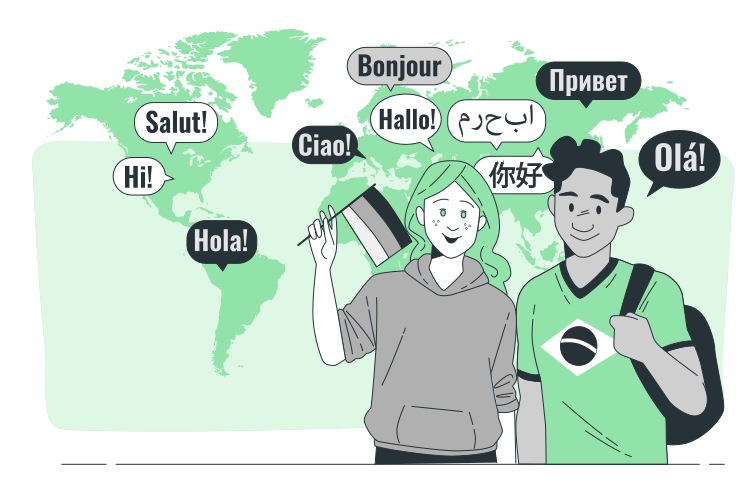
Dub your videos into a wide range of target languages to reach audiences around the world.

Professional-Quality Output
Get a professional-sounding dubbed video without hiring voice actors or booking a dubbing studio.

Secure File Handling
Your video is encrypted and securely stored throughout the dubbing process.

Keep Your Original Format
Download your dubbed video in the same format you uploaded, ready to publish.

Affordable Alternative to Studio Dubbing
Get professional-sounding dubbing at a fraction of the cost of a traditional dubbing studio.

Subtitles for Extra Clarity
Burn in translated subtitles alongside the dubbed audio so viewers can follow along in text too.

Simple, No Editing Skills Required
Just upload your video and choose a language — no video editing or audio software needed.
Fits Right Into Your Content Workflow
Upload videos directly from your browser and get notified once your dubbed file is ready — no extra software or integration required.
How Video Dubbing Works
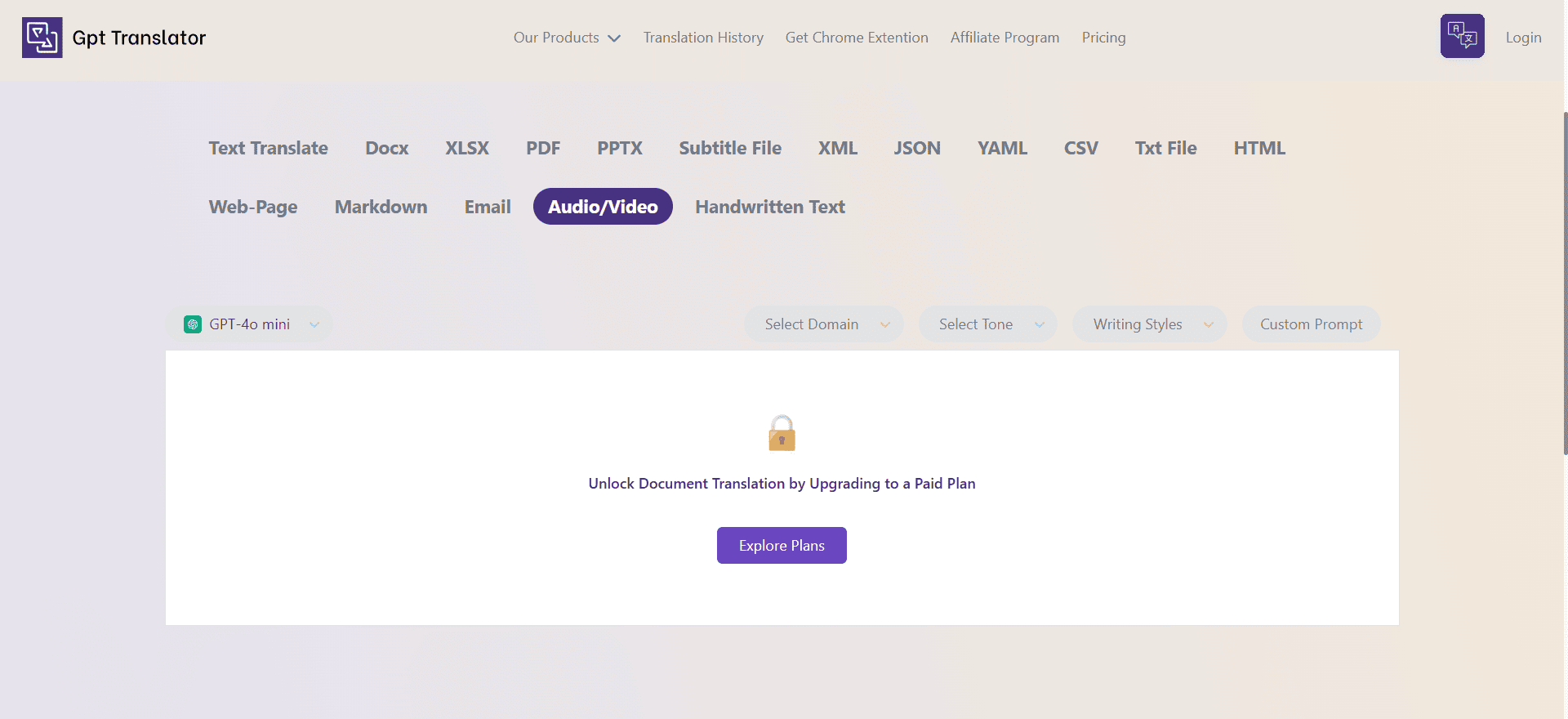
Upload Your Video
Select a video file and choose your target language. Source language is optional — we can auto-detect it for you.
AI Dubs Your Video
Our AI generates a natural voiceover in your target language. This isn't instant — depending on your video's length, it can take anywhere from a few minutes to several hours.
Download the Dubbed Video
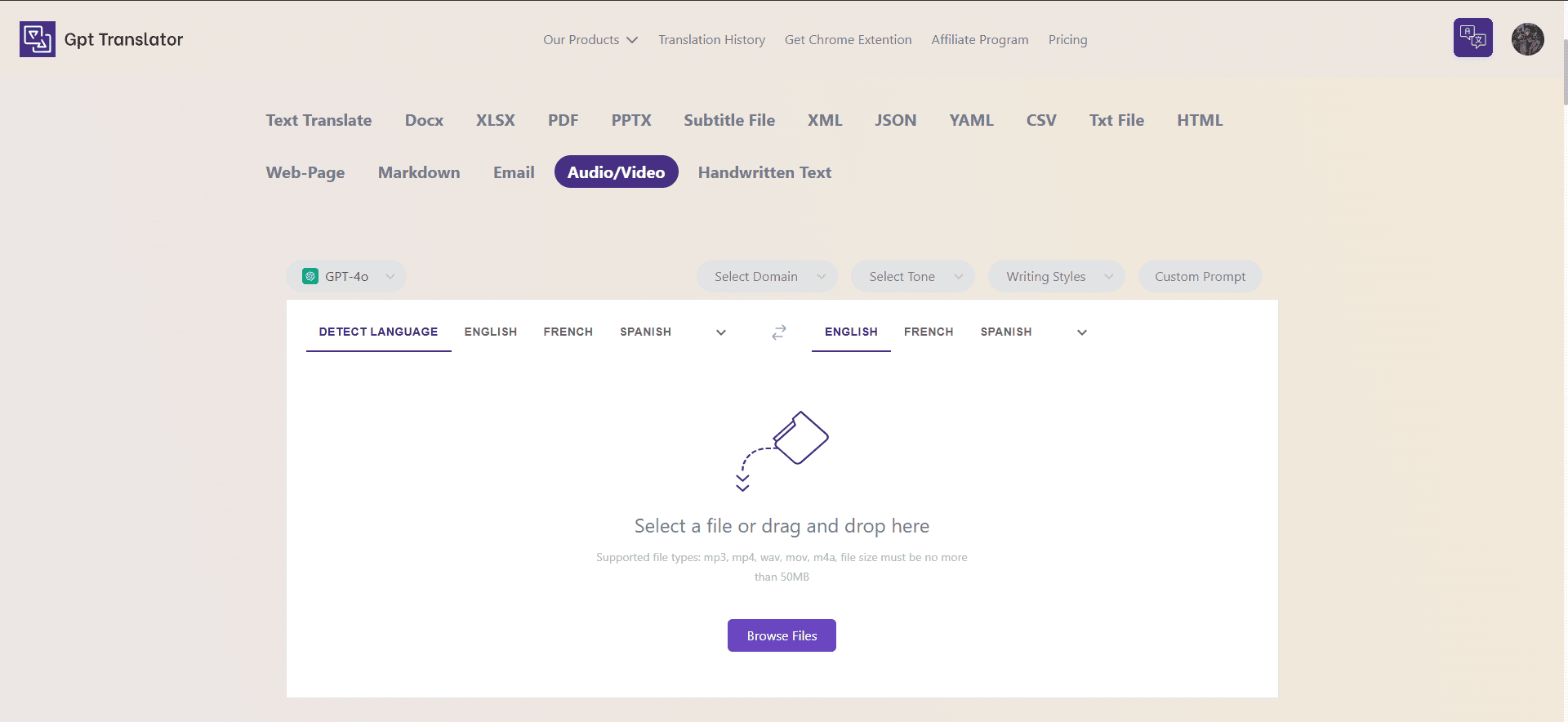
Once processing is complete, download your dubbed video — with burned-in subtitles too, if you chose that option — from the My Translations page.
What Our Users Say

Amina R.
The dubbed voice sounded incredibly natural — way better than I expected from an automated tool.
Mark D.
I uploaded a short clip and got a fully dubbed version back within the hour. Saved me from hiring a voice artist.
Devansh P.
Being able to burn in subtitles alongside the dubbed audio was exactly what I needed for social media clips.
Amina R.
The dubbed voice sounded incredibly natural — way better than I expected from an automated tool.
Mark D.
I uploaded a short clip and got a fully dubbed version back within the hour. Saved me from hiring a voice artist.
Devansh P.
Being able to burn in subtitles alongside the dubbed audio was exactly what I needed for social media clips.
Fatima K.
Simple to use — just upload, pick a language, and wait for the notification. No editing software needed.
Lucas M.
Great value compared to a traditional dubbing studio, and the turnaround time was clearly communicated upfront.
Fatima K.
Simple to use — just upload, pick a language, and wait for the notification. No editing software needed.
Lucas M.
Great value compared to a traditional dubbing studio, and the turnaround time was clearly communicated upfront.