
TSV Translator - Translate .tsv Files with AI Accuracy
Use our TSV translation tool to translate tab-separated files quickly while preserving rows, columns, delimiters, and structured data formatting.
 GPT Free
Key Features of Our TSV File Translator
Our TSV translator is optimized for structured data workflows. It translates .tsv files while keeping tab-separated layout, rows, columns, and formatting intact so your output stays ready for QA and delivery.
Why Choose Our TSV Translation Tool?

Structure-Safe File Handling
Keeps TSV structure intact so translated files remain usable in spreadsheets, databases, and localization workflows.

Preserves Rows, Columns, and Tabs
Translate .tsv files while keeping tab delimiters, row alignment, and column order consistent.

Optimized for Product and Data Teams
Ideal for teams working with multilingual catalogs, exports, localization tables, and structured text datasets.

Secure and Private Processing
Your TSV files are processed securely with privacy-first handling throughout translation.
An AI TSV Translator for Structured Content
From product catalogs to localization tables, this TSV translation tool helps teams scale multilingual structured content. Translate .tsv files online, keep formatting intact, and move faster from translation to delivery.
How the TSV Translator Works
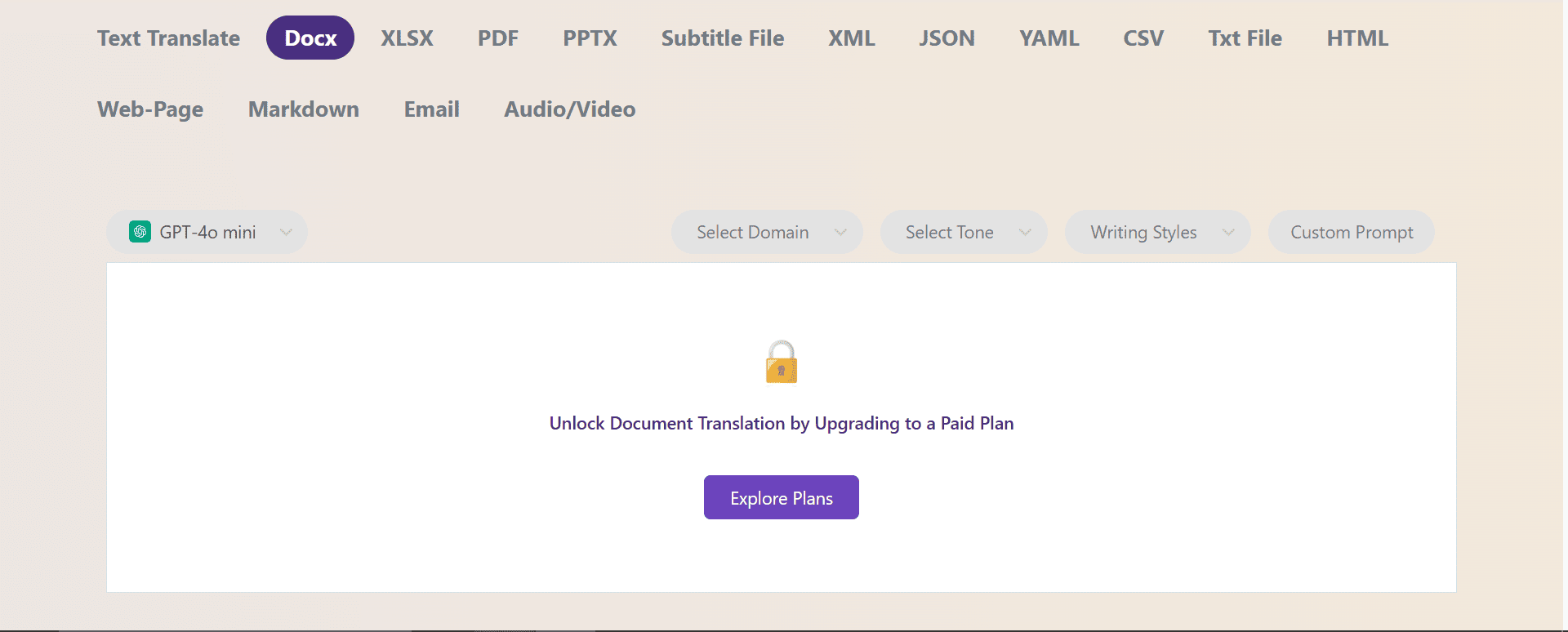
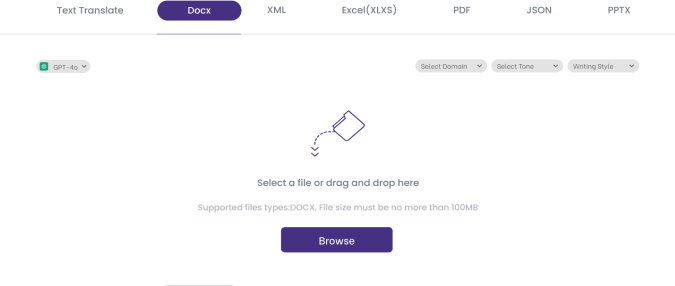
Upload Your TSV File
Drag and drop your .tsv file into the translator.
Select Languages and Translate
Choose source and target languages, then run translation to update the content while preserving tab-separated structure.
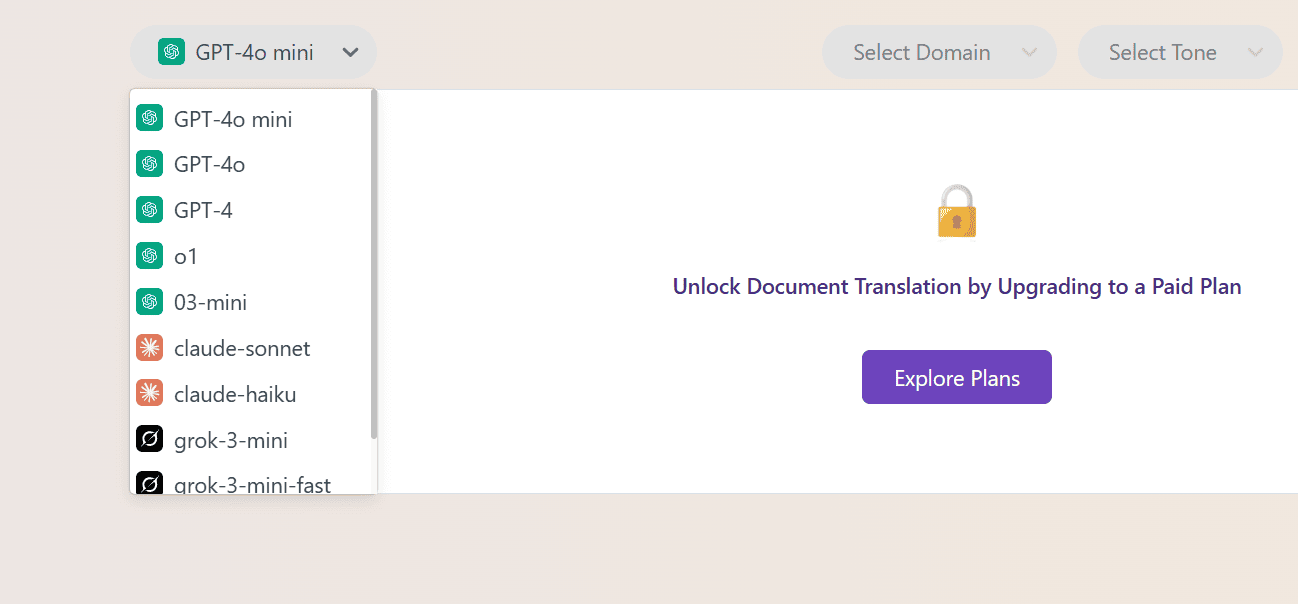
Download and Continue Your Workflow
Get the translated TSV file and continue QA, import, or deployment in your normal workflow.
What Teams Say About Our TSV Translator

Amina R.
This is the fastest TSV translator we have used for multilingual data exports.
Mark D.
Great quality for .tsv translation and the rows stayed aligned for import.
Amina R.
This is the fastest TSV translator we have used for multilingual data exports.
Mark D.
Great quality for .tsv translation and the rows stayed aligned for import.
Devansh P.
The TSV file translator saved our team hours on catalog localization.
Devansh P.
The TSV file translator saved our team hours on catalog localization.