
Chrome Extension
Translate any selected text in your browser, instantly.
GPT Translator extension brings AI-powered translation into your daily browsing workflow with fast, context-aware output.
Live Webpage Translation
Extension Overlay
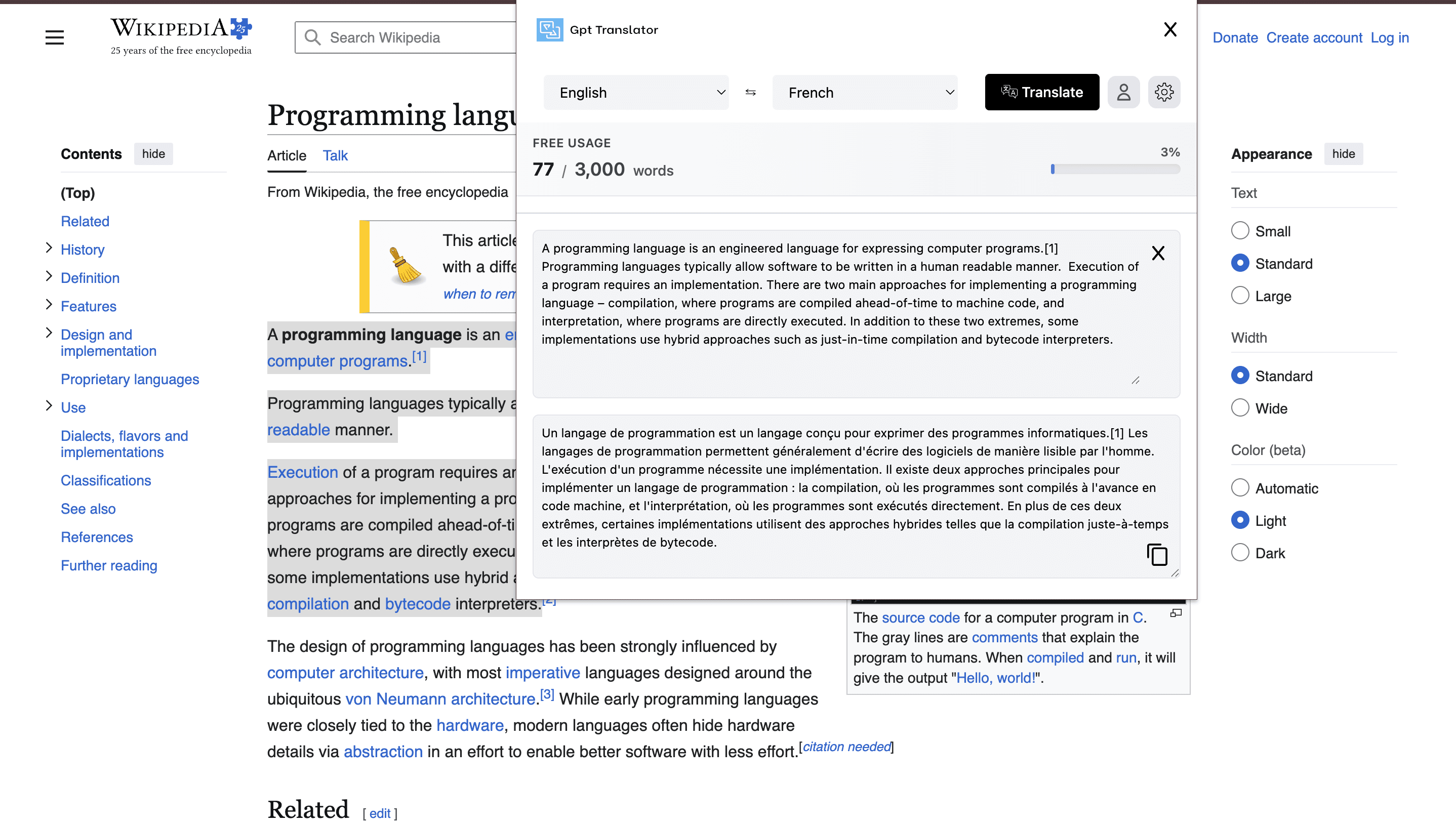
Instant Text Selection
Select text on a page and translate directly from the extension popup without leaving your current tab.
Wide Language Coverage
Supports major global languages with auto-detection for source text and configurable target language.
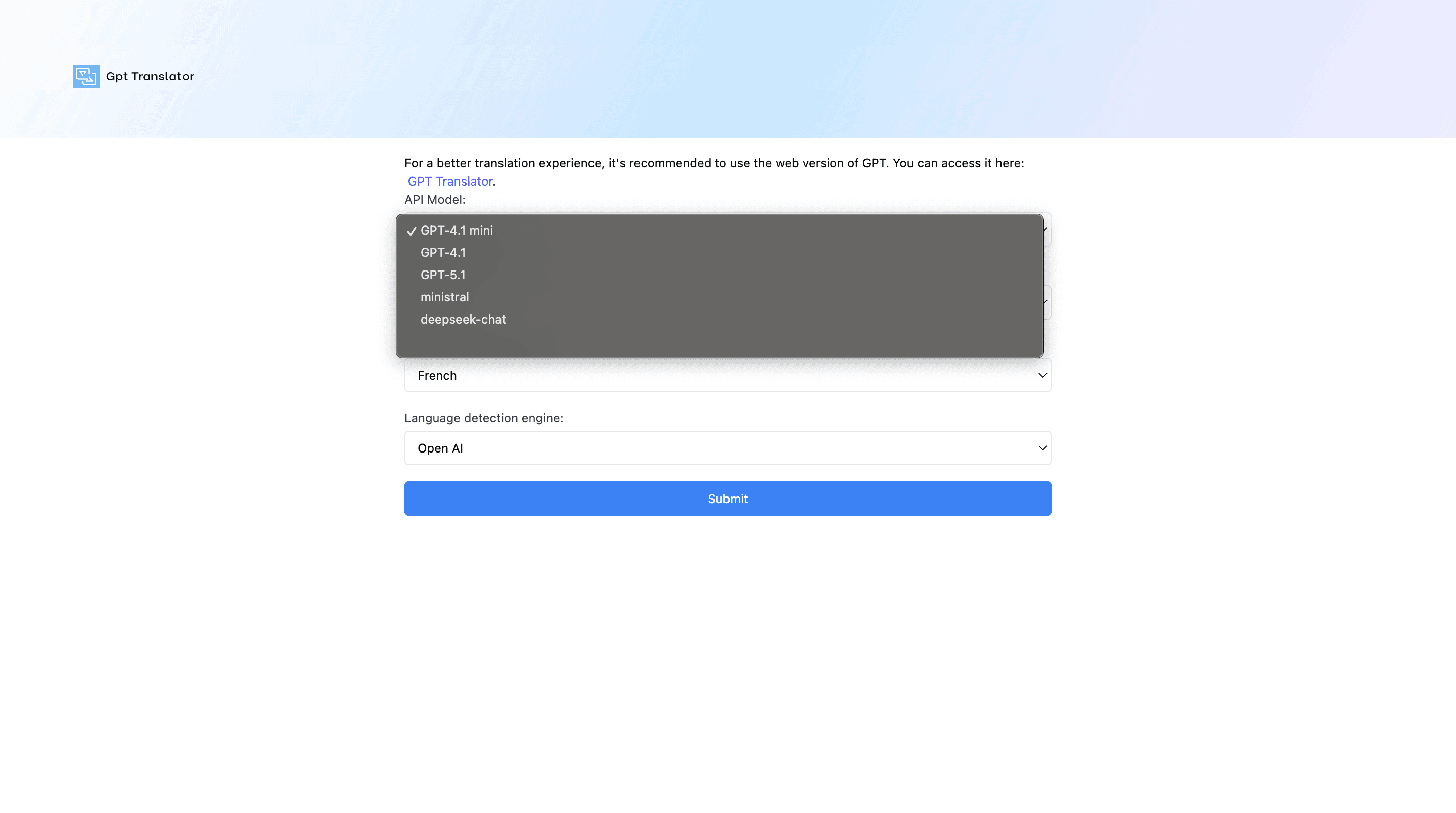
Model Control
Choose the translation model that fits your quality and speed needs, including GPT-based options.
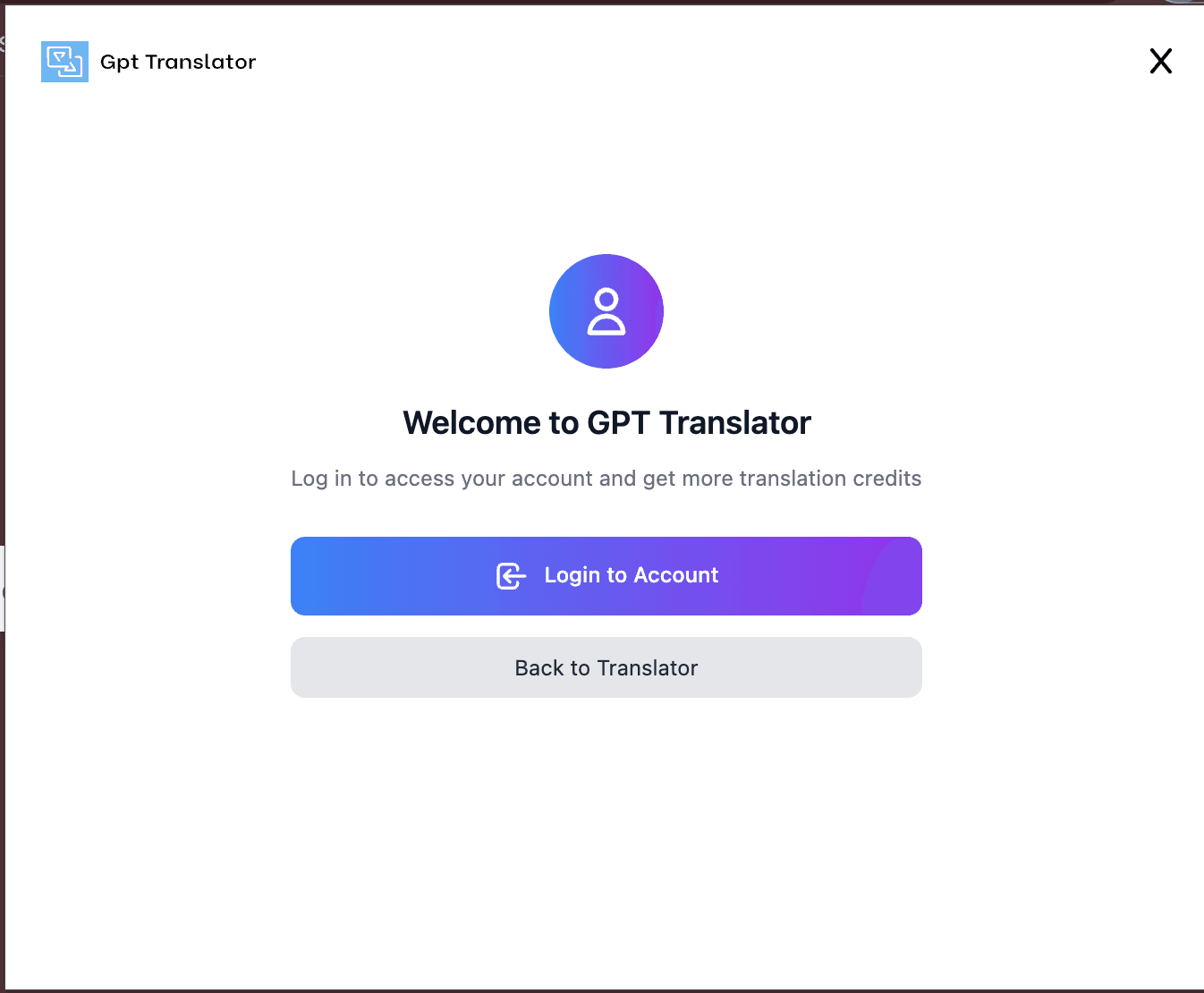
Account Sync
Login sync and usage limits are managed securely to keep your translation workflow consistent across sessions.
How it works
Step 1
Install the extension and pin it in Chrome.
Step 2
Select source and target languages in settings.
Step 3
Select text and translate instantly from the popup.
Product Preview
See the extension in real workflows
On-page translation with selected text
Translate while keeping page context visible.
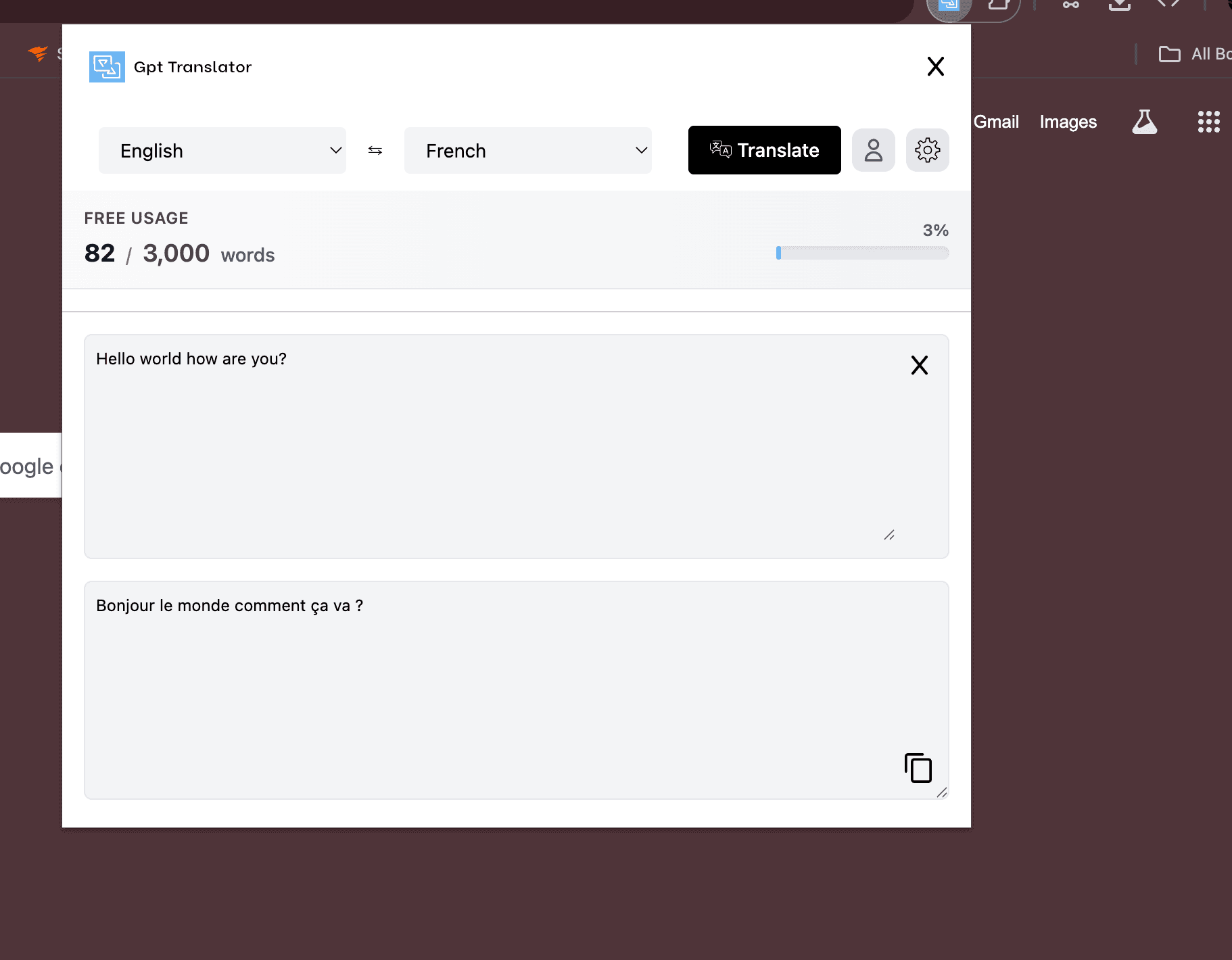
Popup translation interface
Clean input/output layout for rapid translation.
Model and language settings
Configure models and defaults to match your use case.
Extension login flow
Authenticate quickly to sync account access and usage.
USER REVIEWS
What users say about our Chrome extension
“I translate selected text while reading documentation and it saves me a lot of context-switching time every day.”
Daniel P.
Full-Stack Developer
“The popup is simple, fast, and accurate. It feels lightweight but still gives me powerful model options when needed.”
Michael R.
Growth Marketer
“Language auto-detection works well for mixed content pages, and the login sync made setup very straightforward.”
Omar S.
Operations Manager
COMMON QUESTIONS